
Case Study
Groupage TMS System
Role
Front-End Developer
UX Designer
Duration
5 months
Type
SaaS Platform
Tech
Overview
Logichainge's SaaS platform intends to automate and streamline the order process for logistics service providers. The platform addresses the increasing administrative burdens experienced by logistic companies, allowing planners to add value for customers. With a self-learning module, the system enables fast order entry regardless of the customer's preferred method (email and/or any attachment).
As part of this platform, Logichanige entrusted me the task of designing and developing their Groupage Transport Management System (TMS) module. The project involved designing and developing various elements, such as front-end flow, wireframes, final designs, integration with back-end API endpoints, and delivering high-quality, scalable code.
Visit Logichainge's website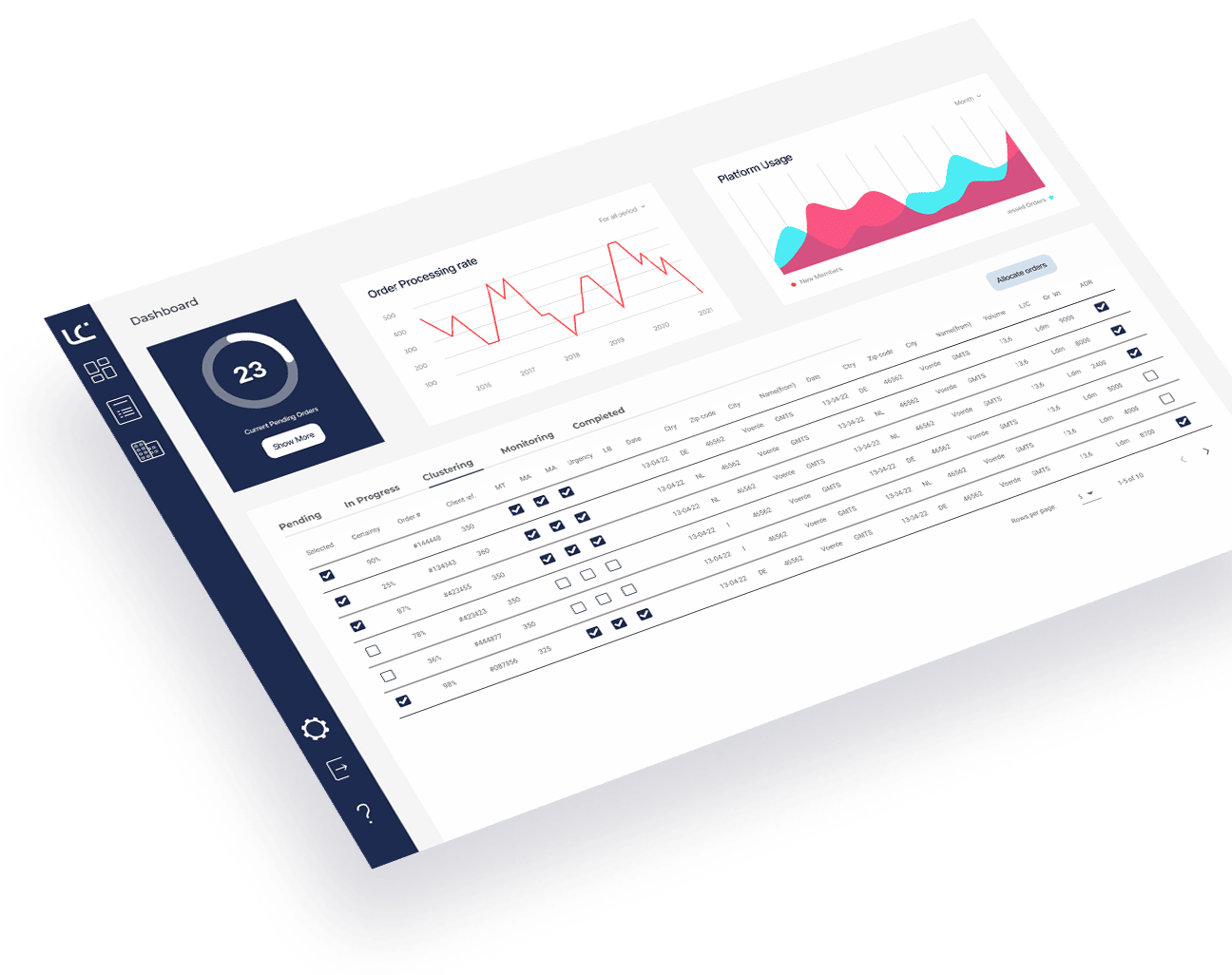
Challenge
The challenge of this project lies in automating and streamlining the existing manual process of managing the Groupage TMS.
By consolidating the various processes and approaches currently used by different customers into one generic process within the platform, Logichainge aims to provide logistics professionals, such as consolidators or forwarders, with a more automated and efficient solution.
challenges:
- Understanding the current manual processes and approaches used by different logistics professionals.
- Balancing the need for automation with the flexibility to accommodate various order entry methods and formats.
- Designing a user-friendly interface that accommodates the multi-lingual capabilities of the AI models and provides a consistent experience across different screens.
- Coordinating with the ICT student responsible for delivering the back-end and API endpoints to ensure smooth integration and compatibility.
- Incorporating customer/stakeholders feedback and iterating on the designs to meet the specific needs and preferences of logistics professionals.
- Ensuring code quality, readability, and scalability for the long-term maintenance and future enhancements of the Groupage TMS System.
Process
The Groupage Transport Management System (TMS) project within Logichainge SaaS platform aims to automate and streamline the management of the groupage transport system for logistics professionals such as consolidators and forwarders. The existing problem identified by Logichainge is the lack of ICT support for simple tasks like shipment assignment and the inconsistency in processes and approaches to groupage management. As a UX designer and front-end developer, my role is to design and develop the front-end flow, wireframes, and final designs, as well as integrate the front-end with the back-end API endpoints.
Development Process
Research
Conduct a "MoSCoW" analysis to prioritize project elements based on their importance and feasibility. Perform analytics research to identify efficient user interactions and align the product with the overall Logichainge platform. Utilize secondary research to gain industry insights and understand client needs.
Empathize & Define
Conduct user interviews with the client to understand their requirements and pain points. Use the gathered information to define the scope, goals, and user stories for the project.
Prototype
Create wireframes and design concepts in Figma, considering the existing Logichainge platform's overall design. Validate and fine-tune the designs based on feedback from customers and stakeholders. Iterate on the designs until a satisfactory solution is achieved.
Development
Build the front-end pages using Vue.js, adhering to good coding practices, readability, and scalability. Collaborate closely with the back-end developer who will deliver the back-end and API endpoints. Integrate the front-end with the provided API endpoints, ensuring seamless data flow and functionality.
Testing
Conduct usability testing to identify and address any design flaws, improve user interaction, and ensure the product meets the client's needs. Perform comprehensive testing of all front-end pages to ensure proper functionality across different devices and browsers.
Completion
Deliver a high-quality, well-documented product that meets the requirements outlined in the project scope. Ensure the codebase is maintainable and scalable, adhering to industry best practices.
Reflection
Reflect on the project and identify areas for improvement. Document the lessons learned and apply them to future projects.
Project Goals
Our mission is to revolutionize the logistics industry by replacing fragmented, manual tasks with a unified, automated Groupage transport process. These goals bridge immediate workflow relief with future-proof scalability.
Short Term
Consolidation
Unify varied client processes into a single, highly efficient workflow.
Automation
Eliminate manual tasks in order processing, tracking, and documentation.
Streamlined UX
Design intuitive, tailored interfaces specifically for logistics professionals.
Efficient Entry
Integrate self-learning modules for fast, multi-source order data capture.
Long Term
Scalability
Architect a robust system capable of handling growing client bases and order volumes.
Integration
Connect seamlessly with third-party logistics and payment gateways.
Advanced Analytics
Provide actionable insights for data-driven decisions and route optimization.
Continuous Evolution
Refine adaptively through user feedback and comprehensive documentation.
Research Phase
Deep-diving into the logistics industry to uncover the friction points of existing TMS solutions. By translating user frustrations into targeted data, we built a rock-solid foundation for our design strategy.
Core Objective
"How can Logichainge design and develop an efficient and automated Groupage Transport Management System (TMS) module within their SaaS platform?"
Key Inquiries
What are the key functionalities required for the Groupage TMS module?
How can the front-end flow of the groupage functionality be designed to ensure a seamless user experience?
How can customer feedback be collected and utilized to validate and fine-tune the designs of the Groupage TMS module?
How much information does this page handle on a daily basis?
How does the user imagine the ideal process of making a groupage order on a software application? Which part of the process is the most important for automation?
What relevant and personalized information/data could be implemented in this module?
Methodology
MoSCoW Analysis
Feature Prioritization

View Docs
Categorized features into Must-Have, Should-Have, Could-Have, and Won't-Have using Persona and User Story mapping to ensure efficient resource allocation and strict scope management.
Competitive Analysis
Market Positioning
View Docs
Evaluated competitor applications to identify industry standards, usability pitfalls, and opportunities for Logichainge to deliver a superior, differentiated UX.
Analytics Research
Interaction Optimization
View Docs
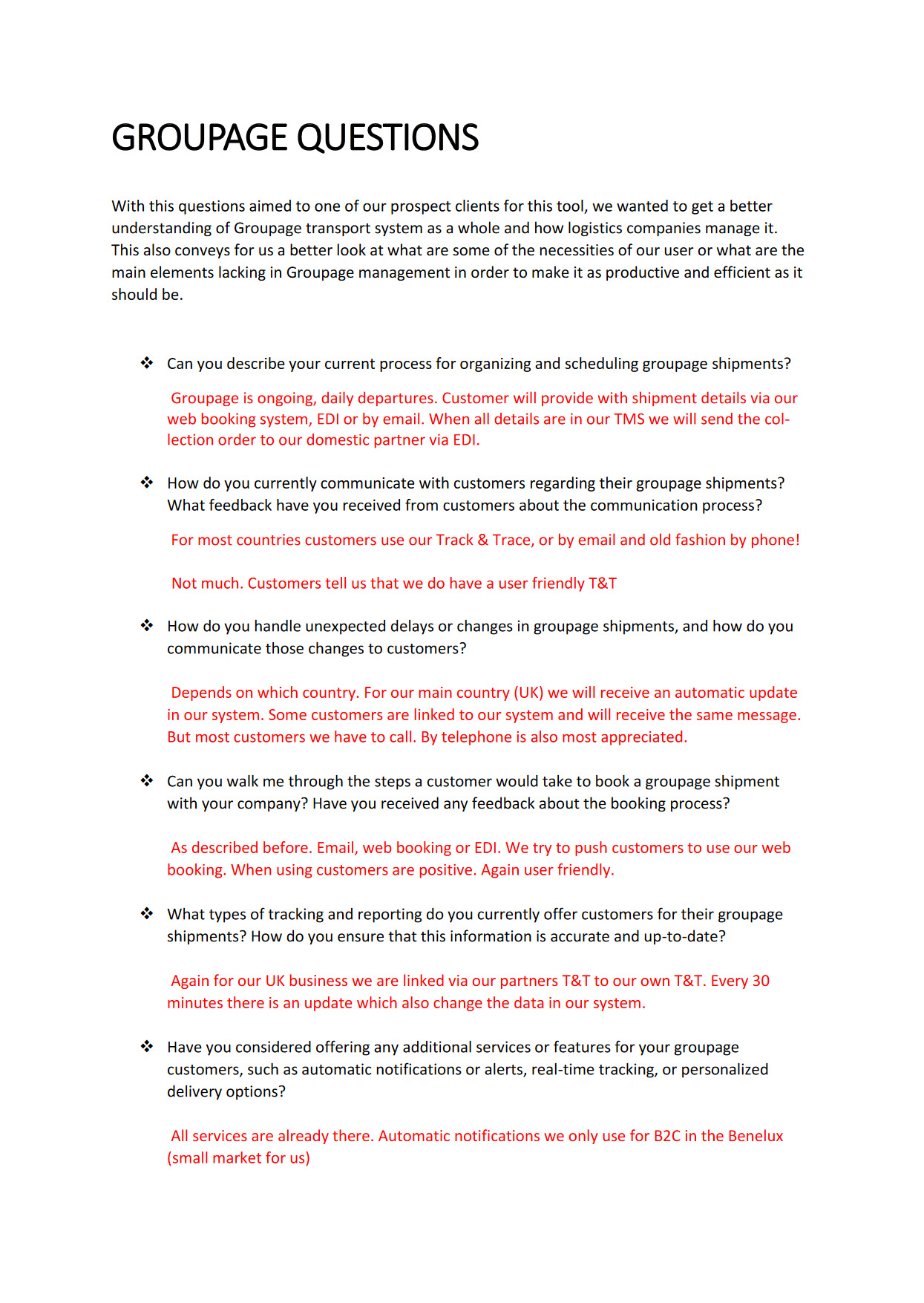
Conducted user interviews specifically focused on existing workflows to map out optimal interactions, reduce click fatigue, and maximize time-efficiency.
Secondary Research
Industry Deep-Dive
View Docs
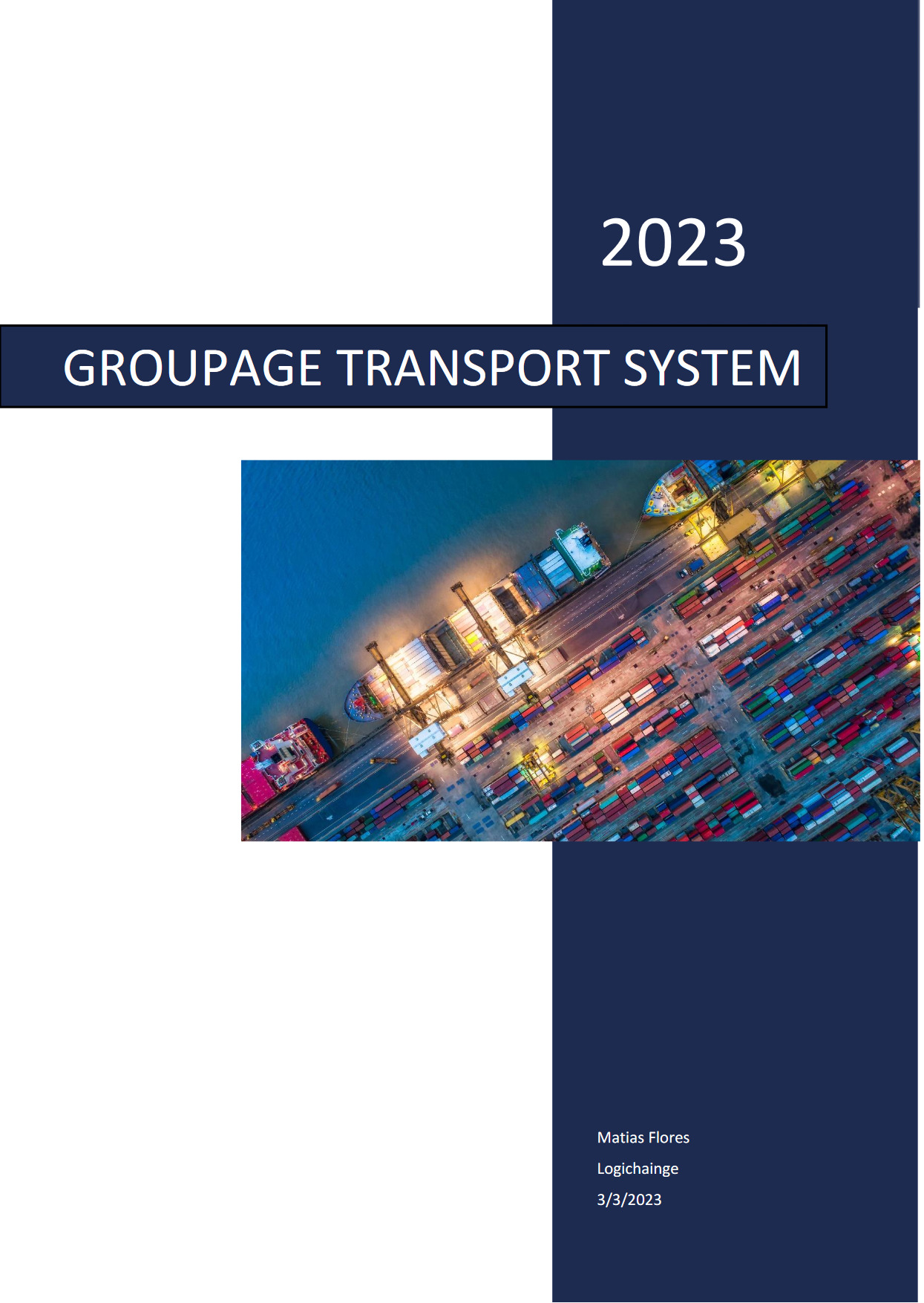
Analyzed the broader logistics landscape and Groupage-specific nuances. Understanding these complex, evolving methodologies informed our foundational design strategy.
Usability Testing
Iterative Refinement
View Docs
Tested existing TMS interfaces to expose critical design flaws and friction points, directly guiding the UX improvements in our prototype.
User Interviews
Empathy & Discovery
View Docs
Engaged directly with logistics professionals to capture their daily frustrations, functional necessities, and expectations for an automated Groupage module.
Design Phase
Introduction
The design phase of the Groupage Transport Management System (TMS) module aimed to create a streamlined and automated solution for logistics professionals. This phase involved various key elements, including sketches, wireframe design, and an interactive prototype. Approaching the design phase after our research was completed was imperative in order to start working on the main ideas we had in mind. We wanted to create a system that was easy to use, that was intuitive and that could be used by anyone, we were aware of our target audience and realised the short-comings of trying to integrate a new techonology into such a manually labored process within the logistics industry.
Creating a user-friendly, easy to use and built for skilled professionals was the goal of our design, which meant integrating both a professional look and conservative design with a modern and intuitive interface. By automating the administrative process of the Groupage TMS system, we are aiming to increase productivity for our users as well as standarize a more cohesive management of the Groupage Transport System.
Sketches
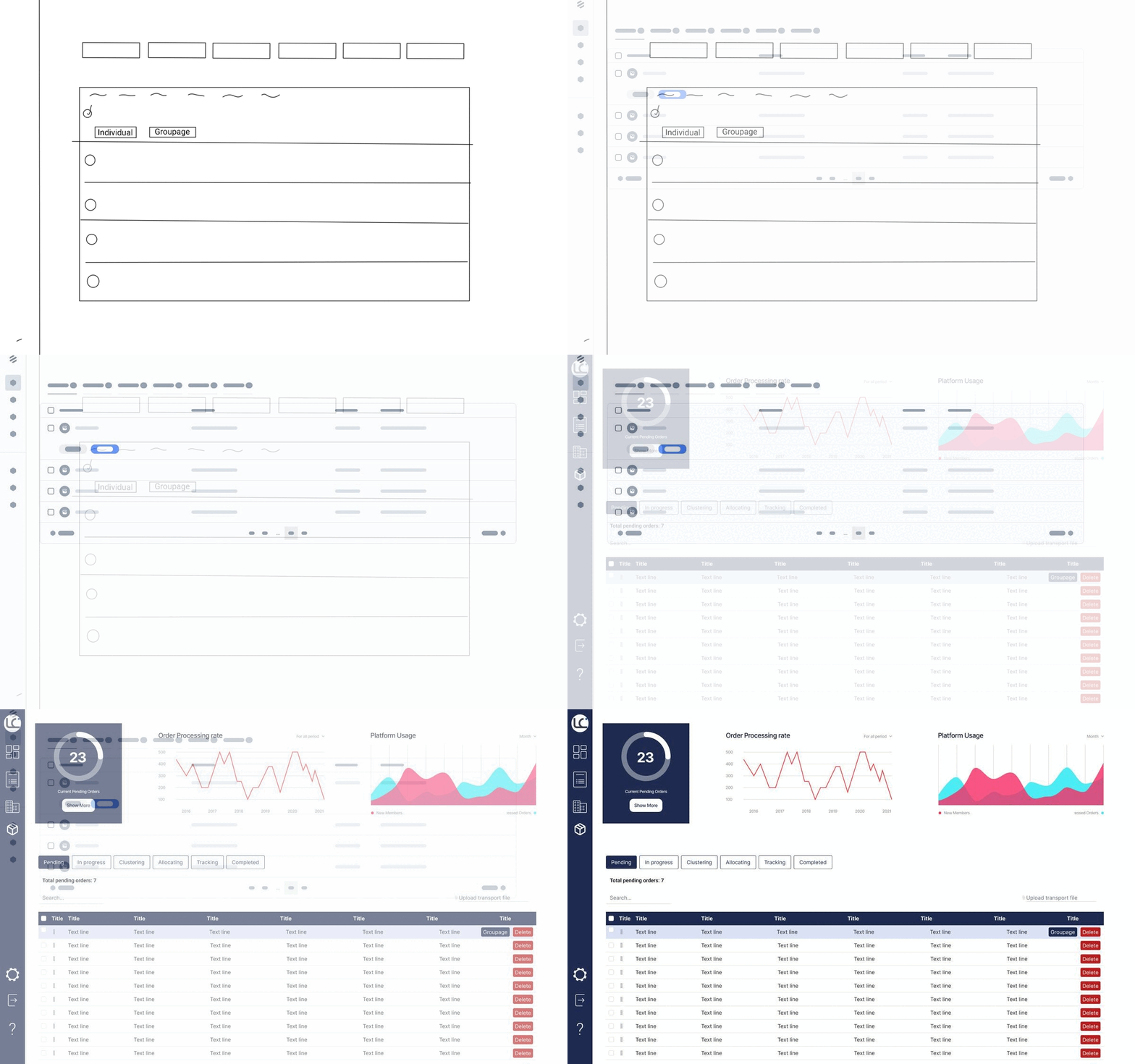
Sketches were created as a foundation for the design phase. They served as initial representations of the module's layout and functionality. Take a look at the sketches below to get an idea of the early design concepts:
First concept: Groupage module selection
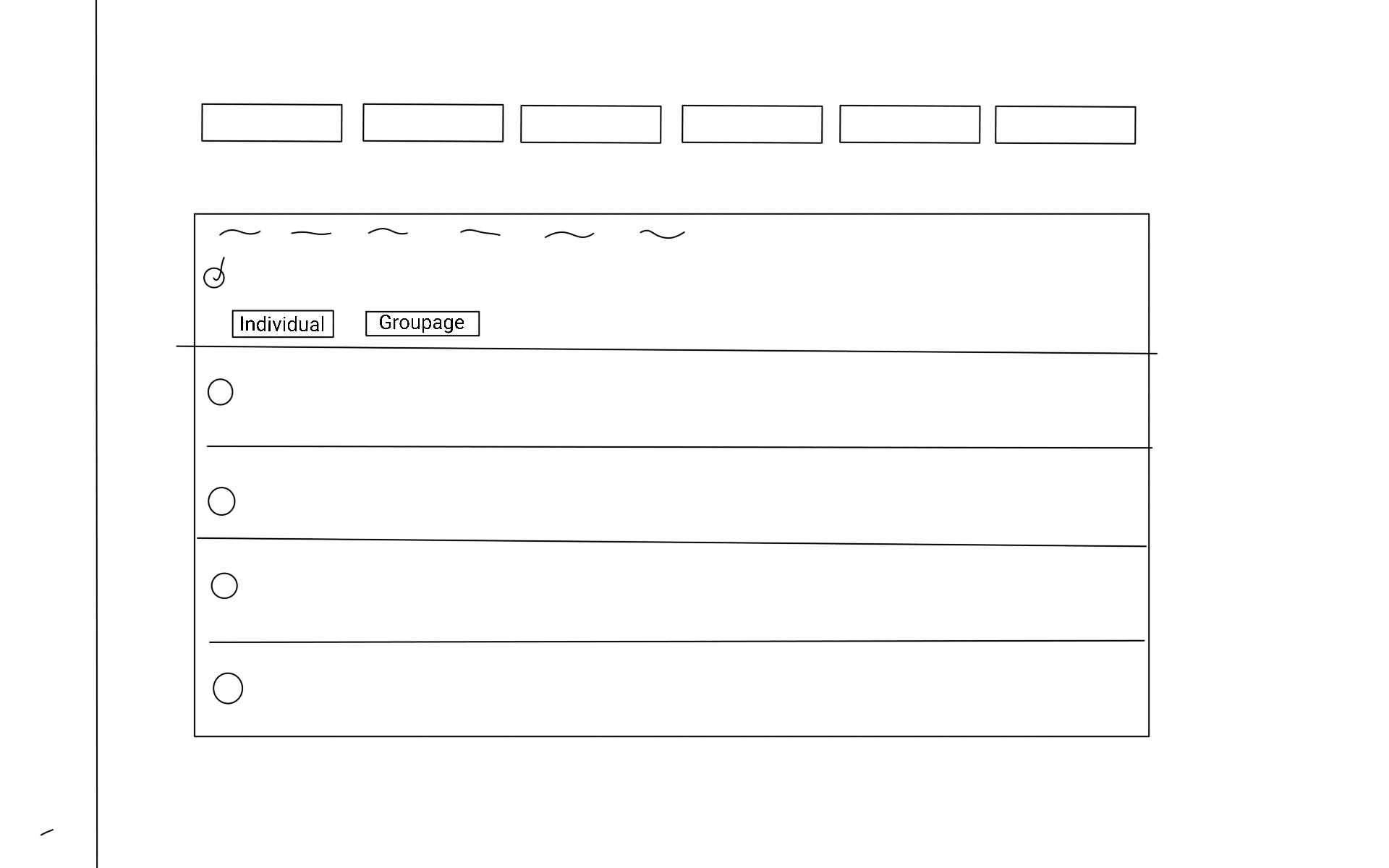
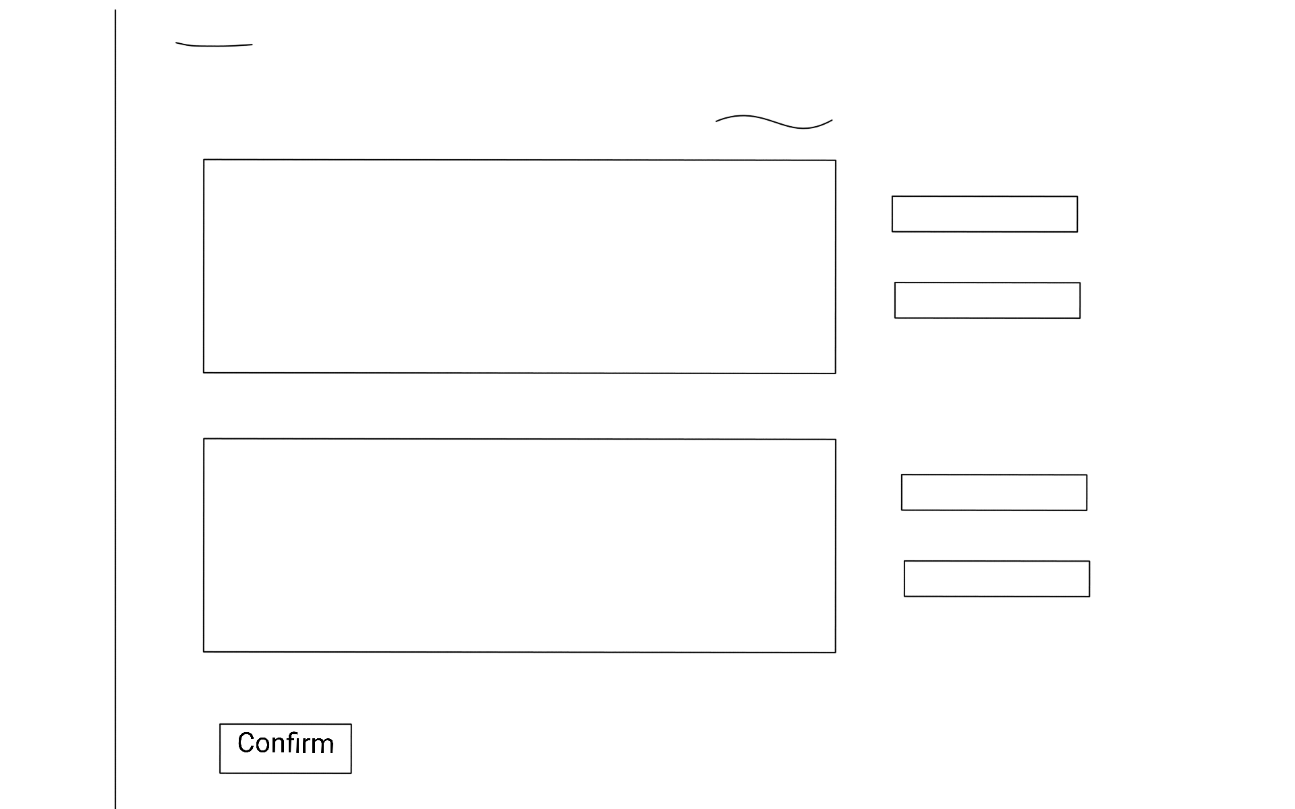
First concept: main page
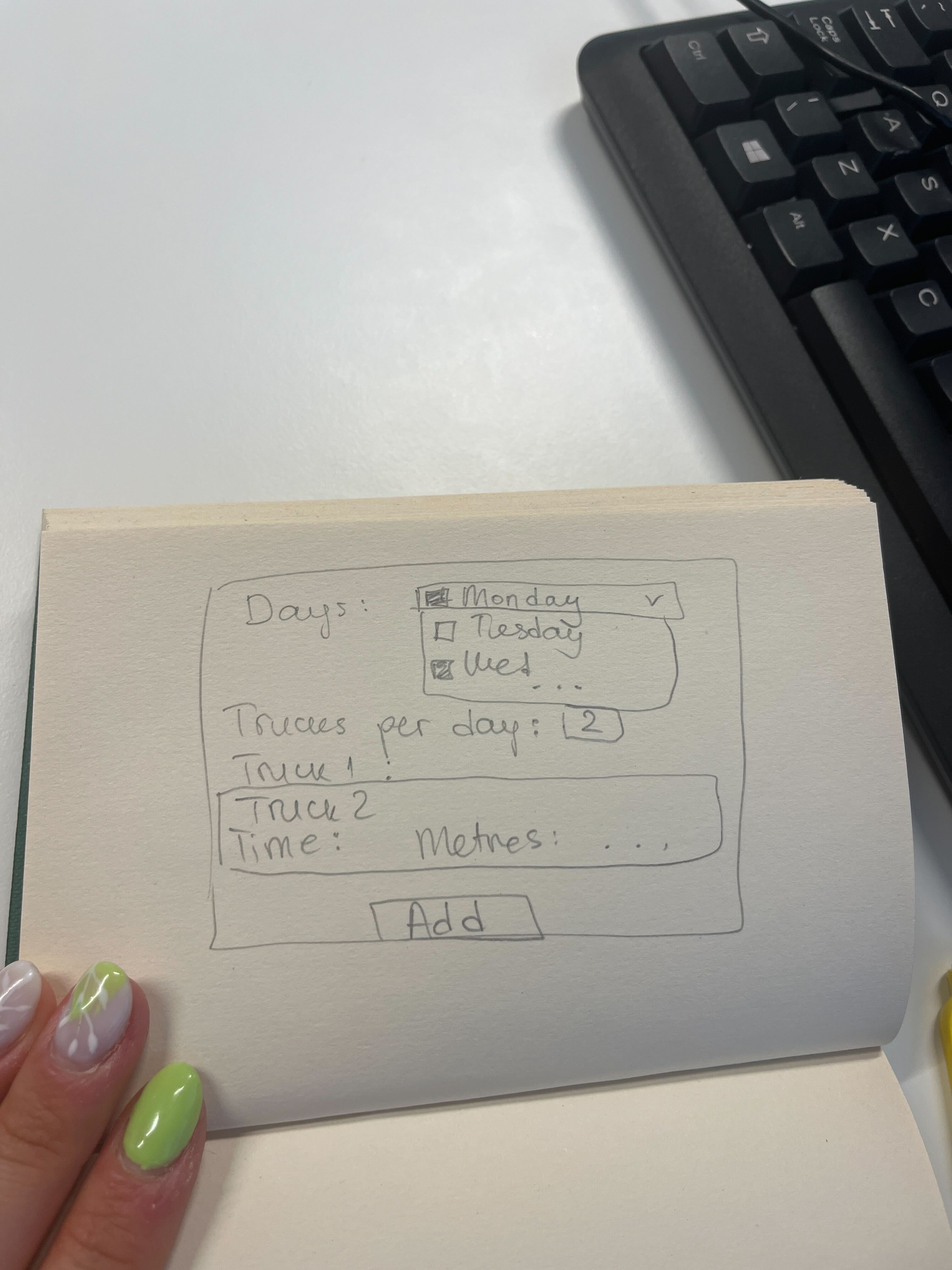
First concept: edit linehauls
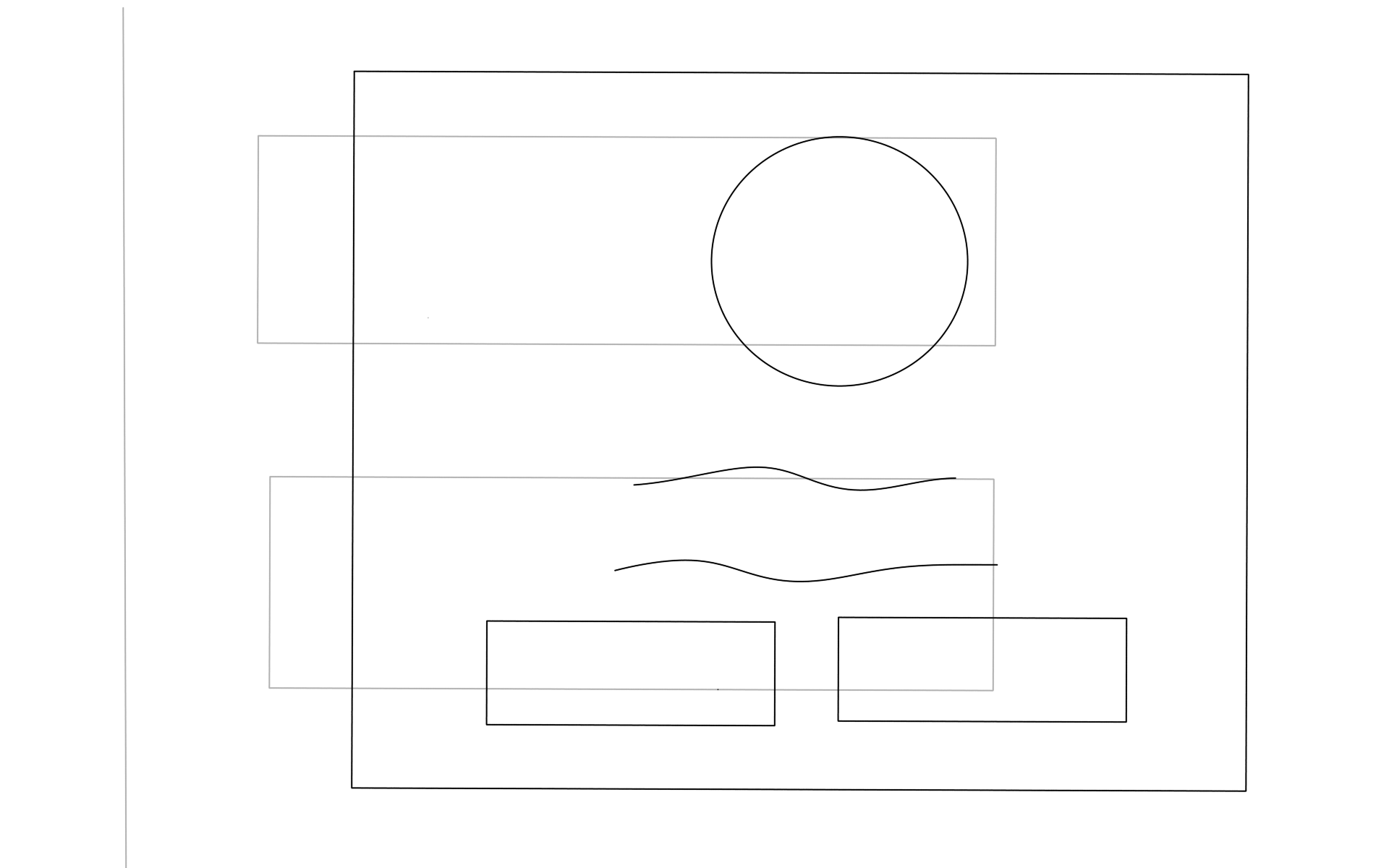
First concept: confirmation page
Wireframes
Detailed wireframes were created using Figma to showcase the main features and functionalities of the Groupage TMS module. These wireframes underwent iterative improvements based on feedback from stakeholders. Take a look at the wireframes below:
Wireframes: Main Page
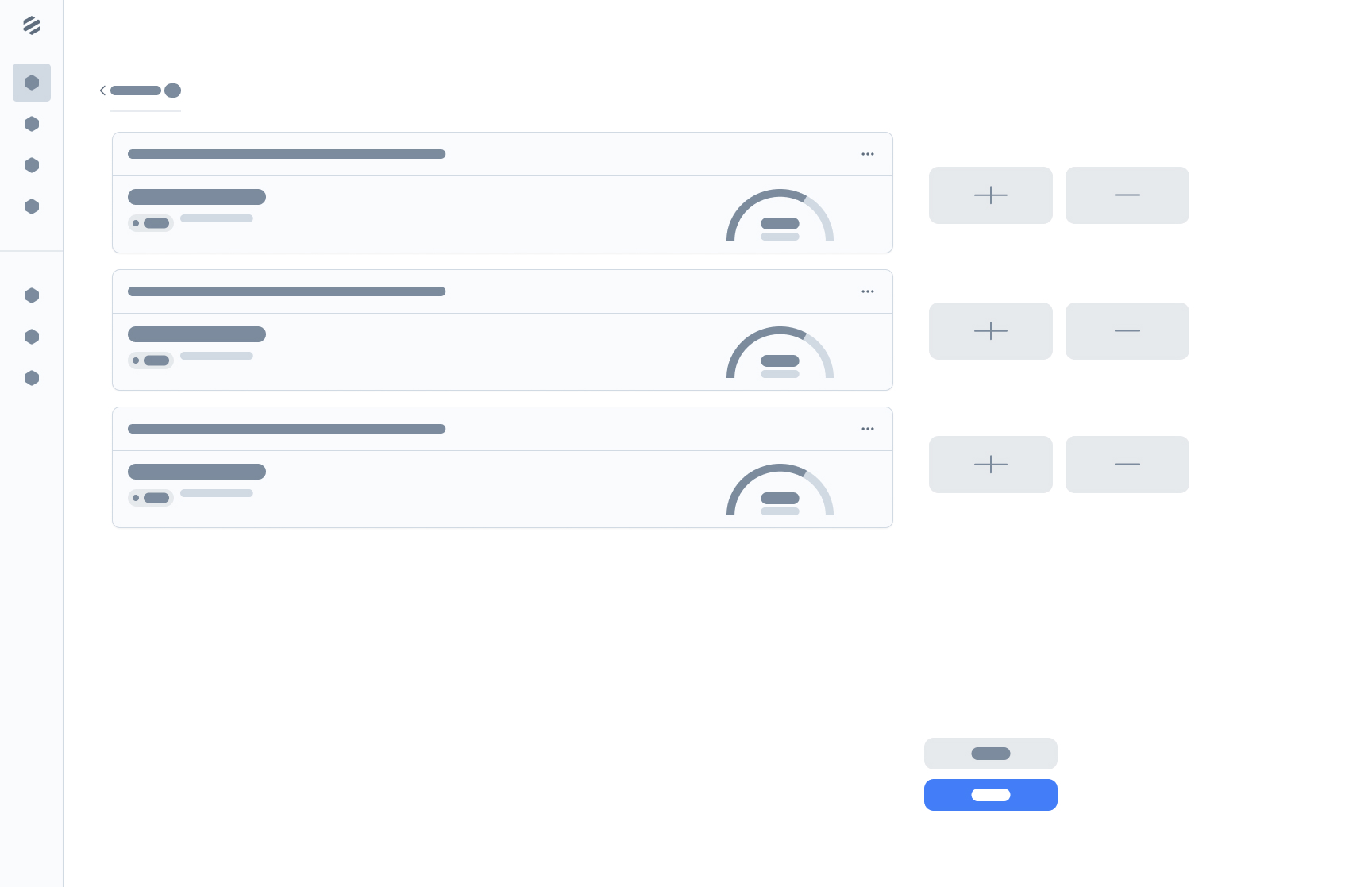
Wireframes: Edit Linehauls Page
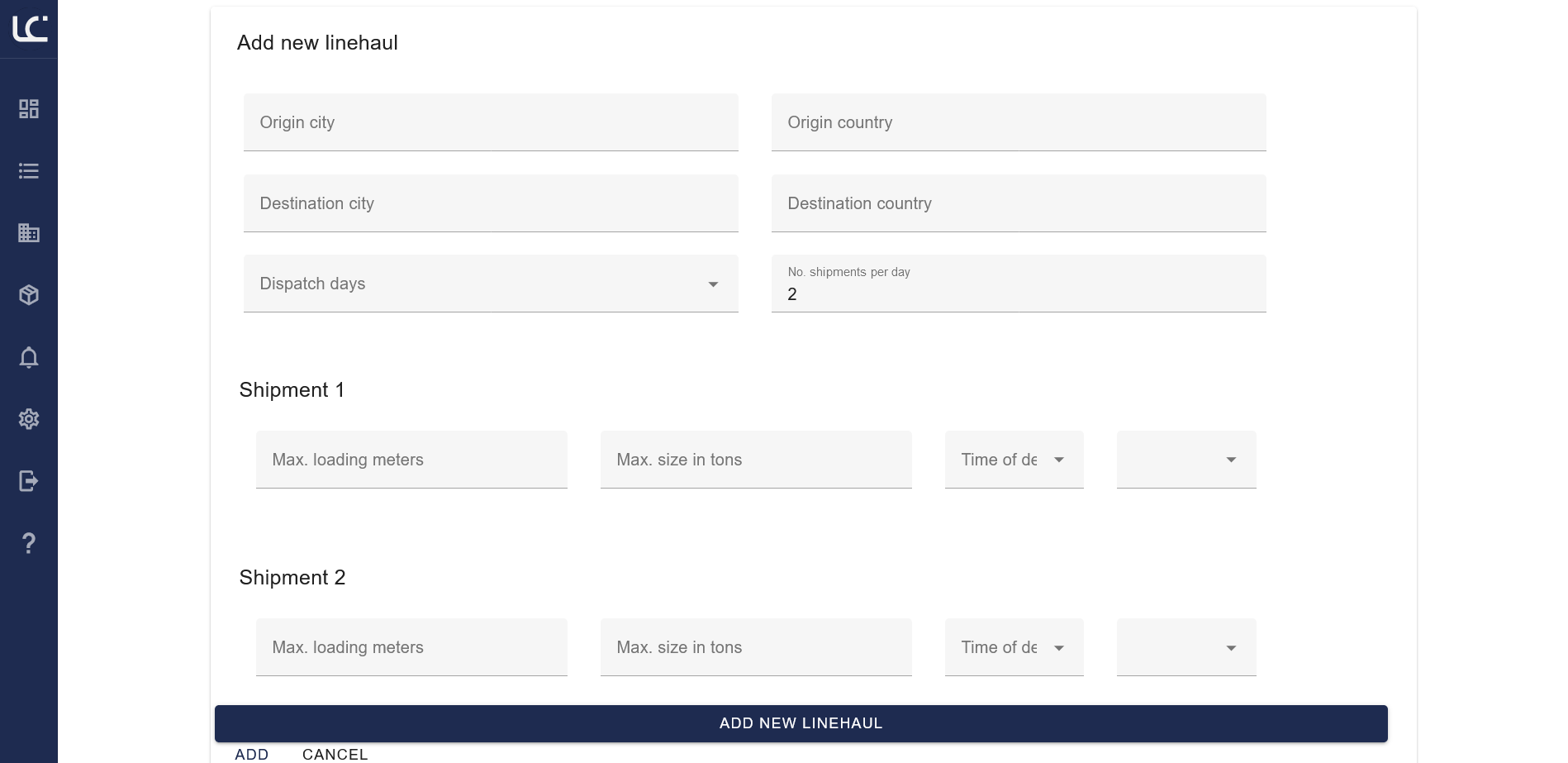
Wireframes: Adding a new linehaul
Wireframes: Order Confirmation Page
Interactive Prototype
Try it!An interactive prototype was developed to showcase the design and user flow within the module. The prototype underwent rigorous evaluation and refinement based on stakeholder feedback. Explore the evolution of the prototype below:
Prototype: Main Page
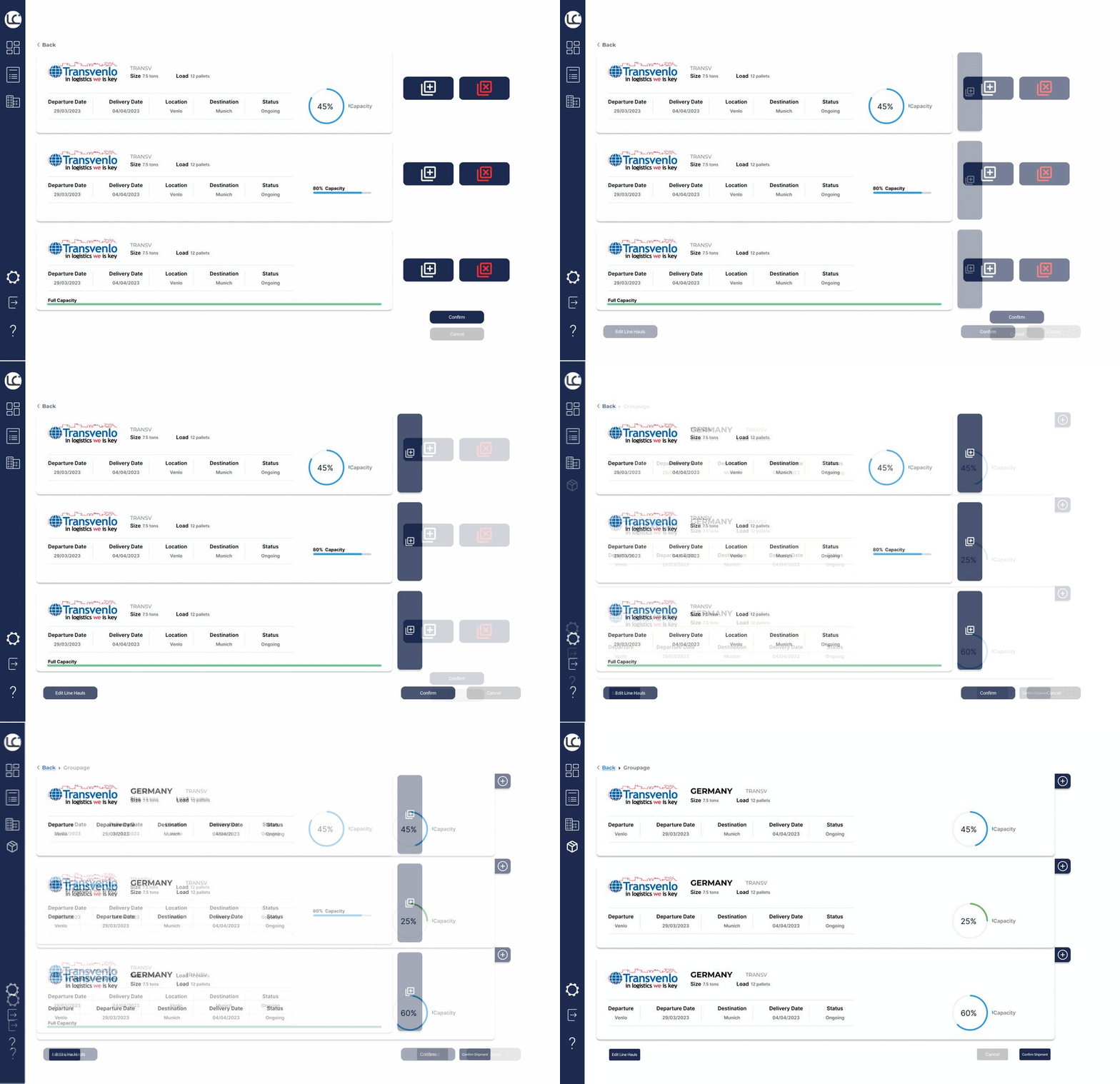
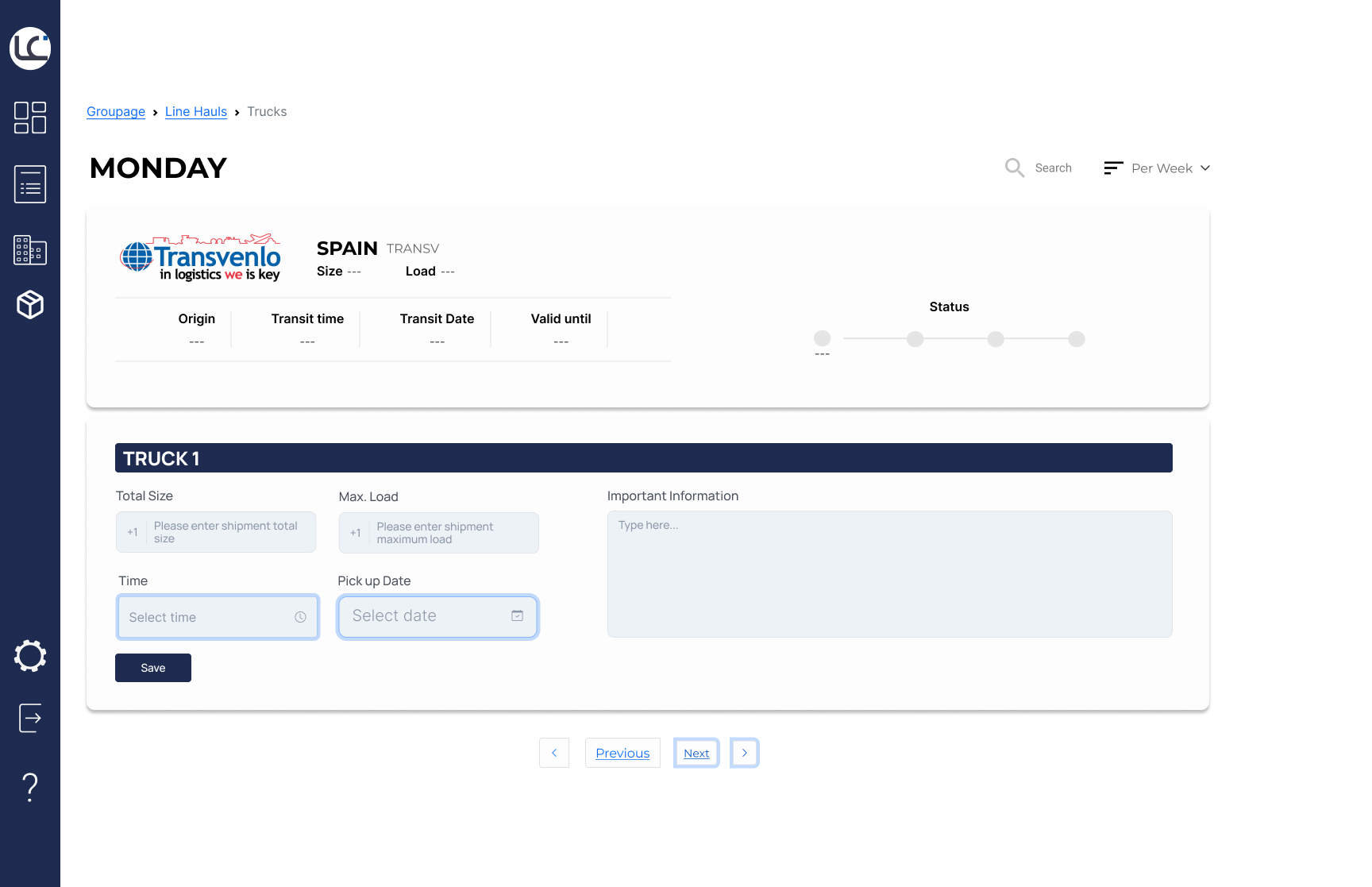
Prototype: Individual Linehaul Truck
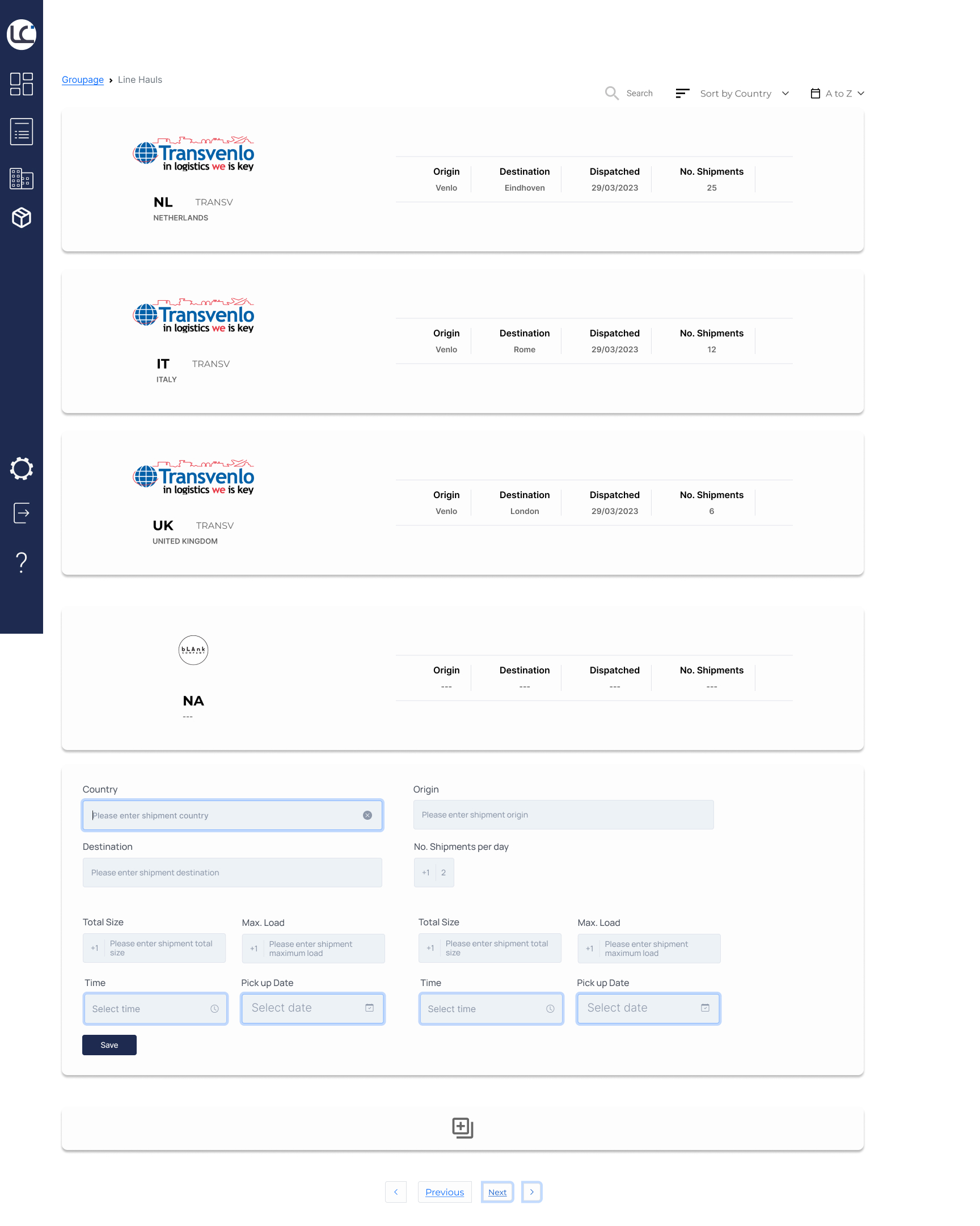
Prototype: Add New Linehaul
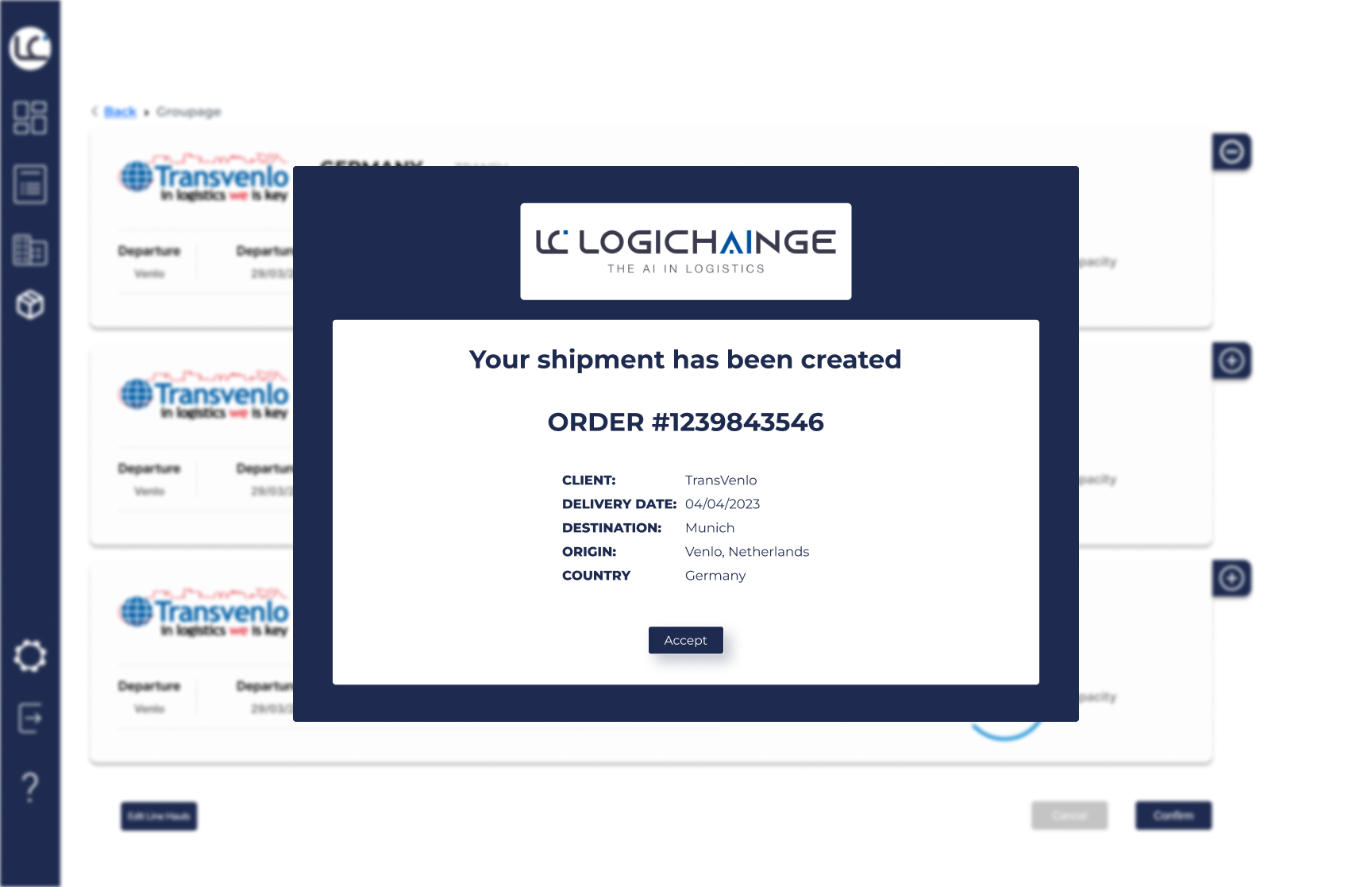
Prototype: Confirmation Page
User Flow & Feedback
As the prototype was growing, so did the user flow for it. As stated before, our idea was to creat a and easy to use module that allowed our users to easily complete their tasks with minimal effort. Making it intuitive meant that the user flow needed to be cohesive and have a clear learning curve. We needed the user to feel that the system was built solely for them, that A to B was the path they were following, even if that meant going through C and D. The user is in control and that is how they should feel while using our system.
Feedback was received after user testing with stakeholders within Logichainge. The prototype underwent numeruous changes due to this and industry research. Many of the changes integrated in the final prototype were implemented into the PoC in development.
Design flow for the protoype
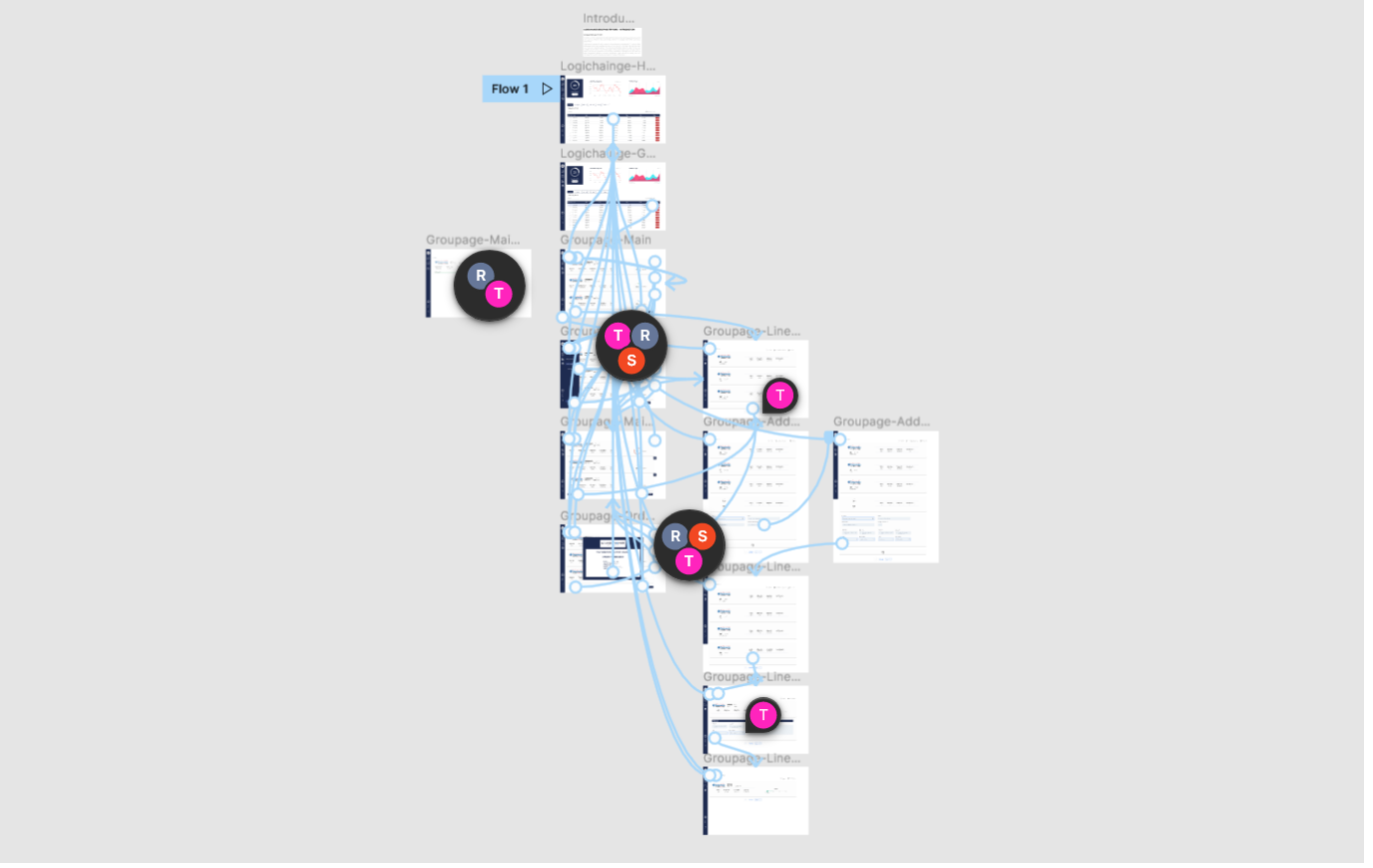
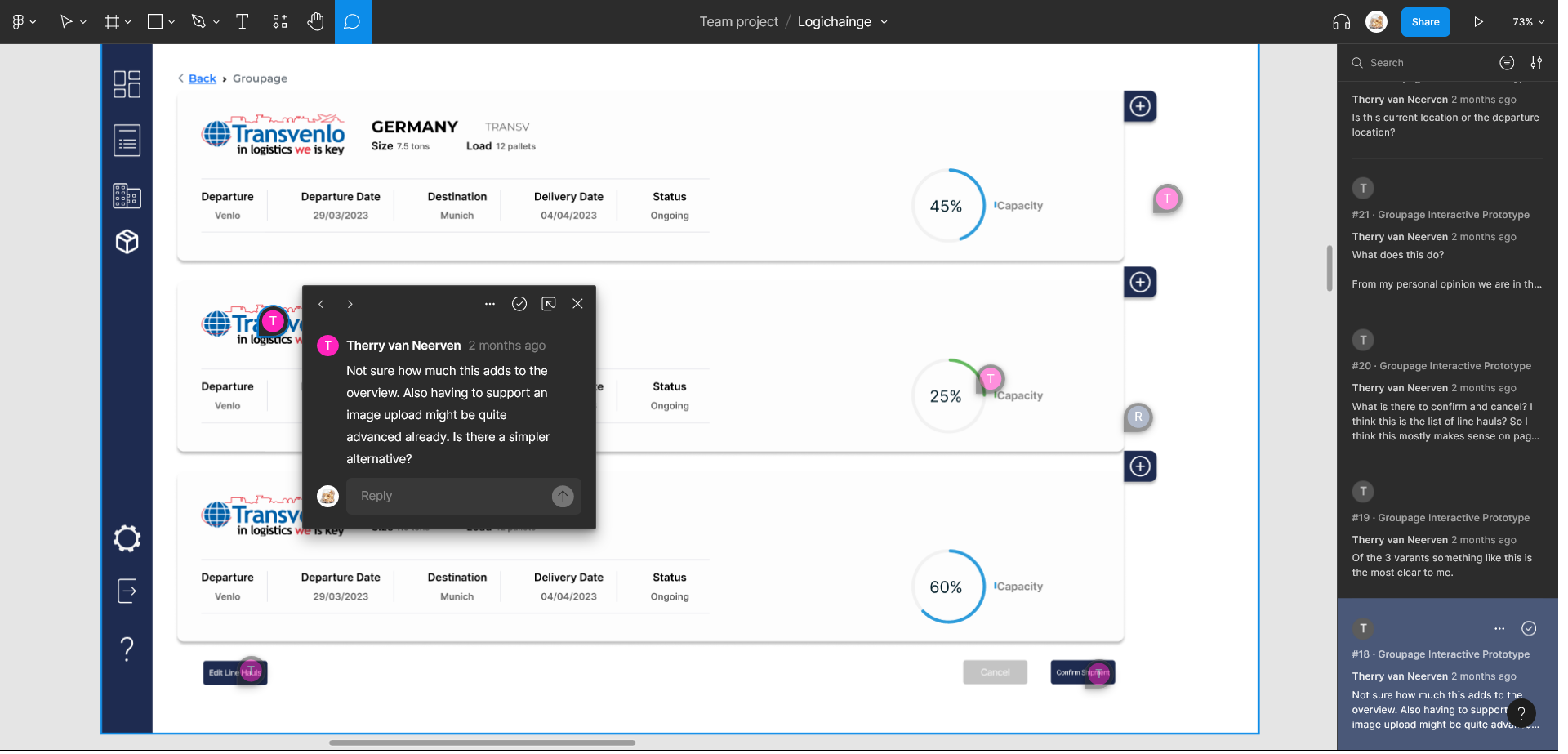
Stakeholders Feedback: image change
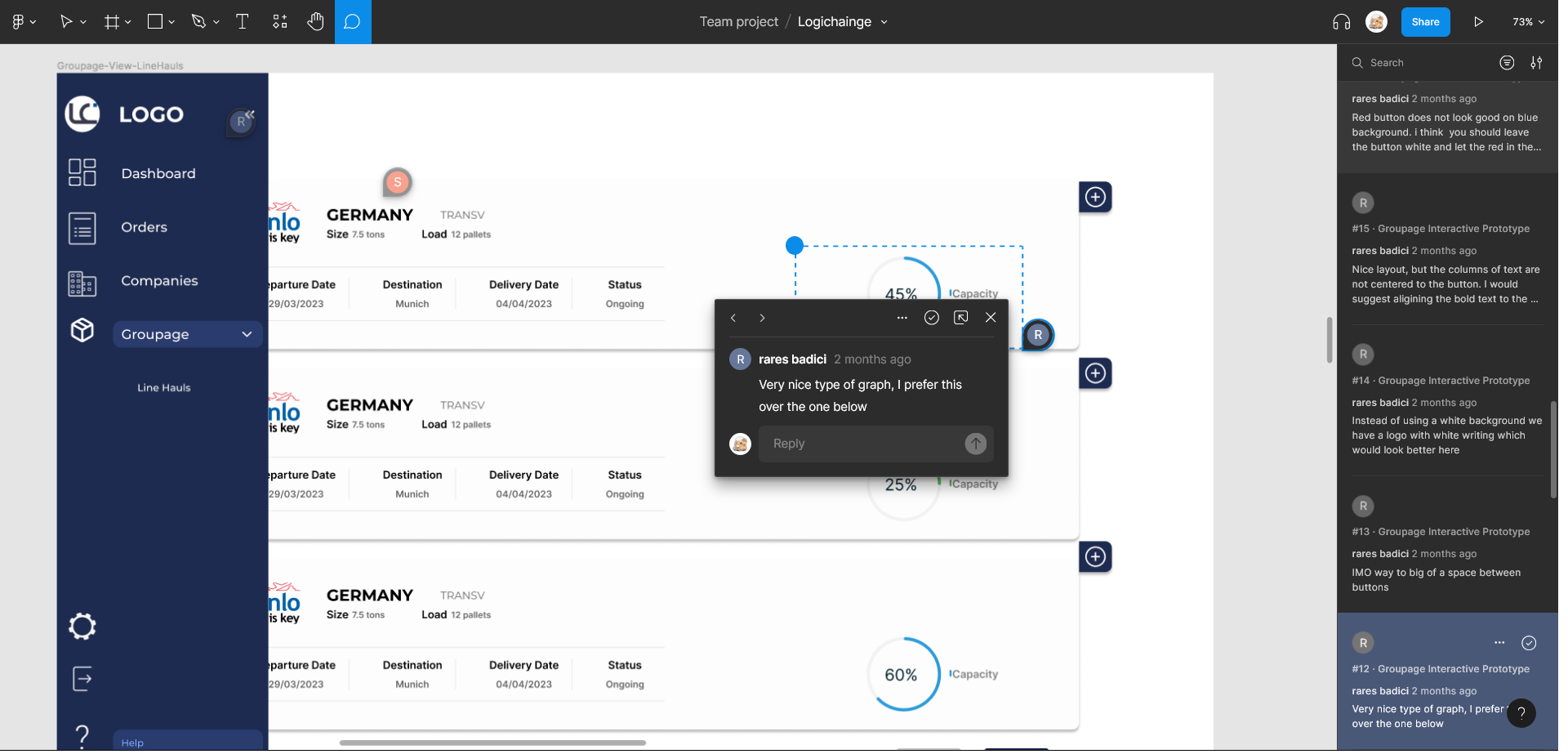
Stakeholders Feedback: graph design
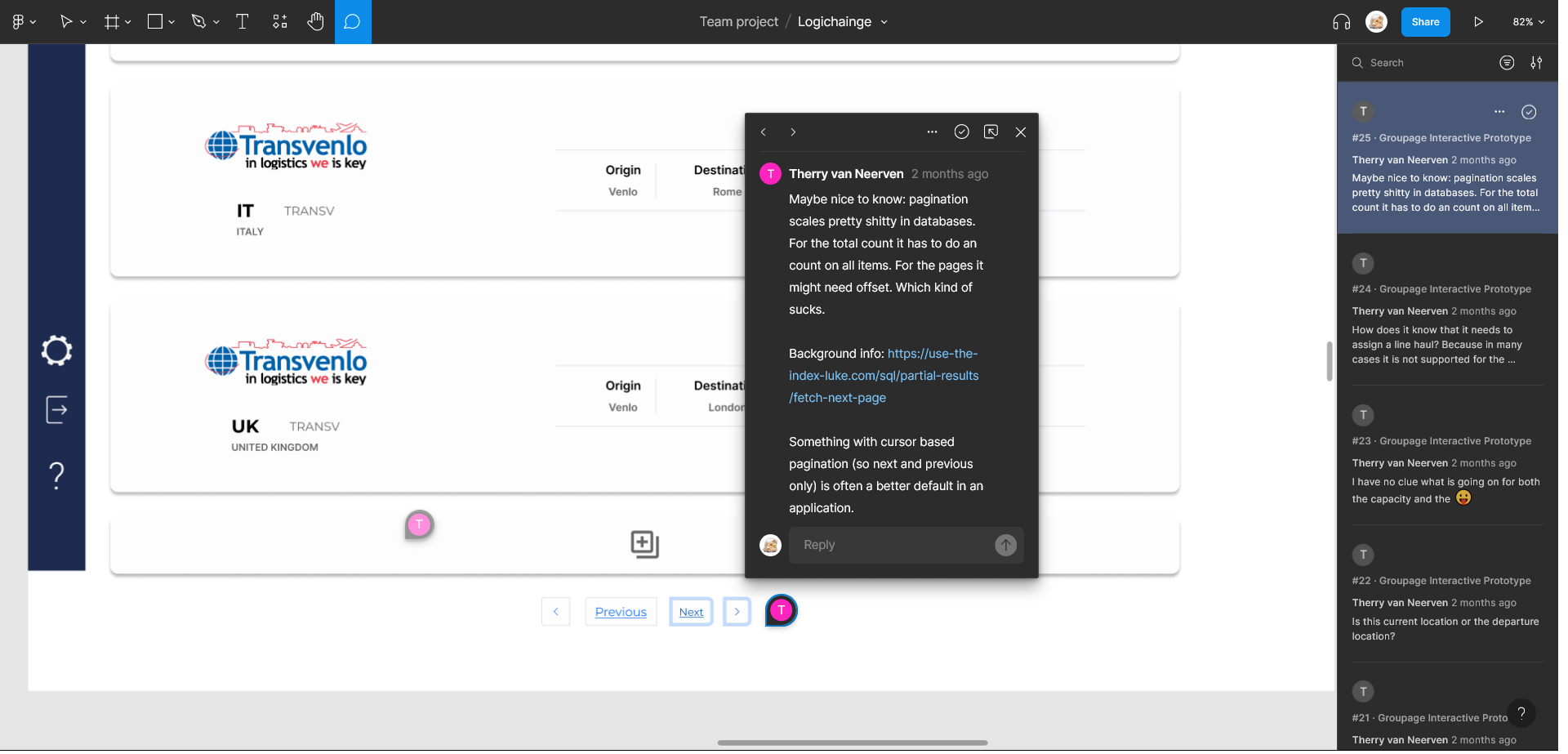
Stakeholders Feedback: pagination
Development Phase
Introduction
The development phase focuses on implementing and building the project using various technologies, including Vue.js, Vuetify, Python and Django. This section outlines the different sprints and tasks completed during the development phase.
Throughout the project, the team utilized technologies such as Vue.js/Vuetify for the front-end, Python for the back-end, and initially FastAPI for the API portals, later transitioning to Django. Collaboration with a back-end developer was essential for the successful integration of front-end and back-end components, as such, we decided to Follow an Agile UX approach, embracing iterative and collaborative methods to work both efficiently and steadily.
Agile Board
Sprints
For this phase of the project we divided the workflow into different Sprints and worked on them using the Agile UX method which allowed us to collaborate closely with my colleague from the backend. Here we can see some of the tasks we worked on each Sprint and an image showcasing the progress.
Sprint 1
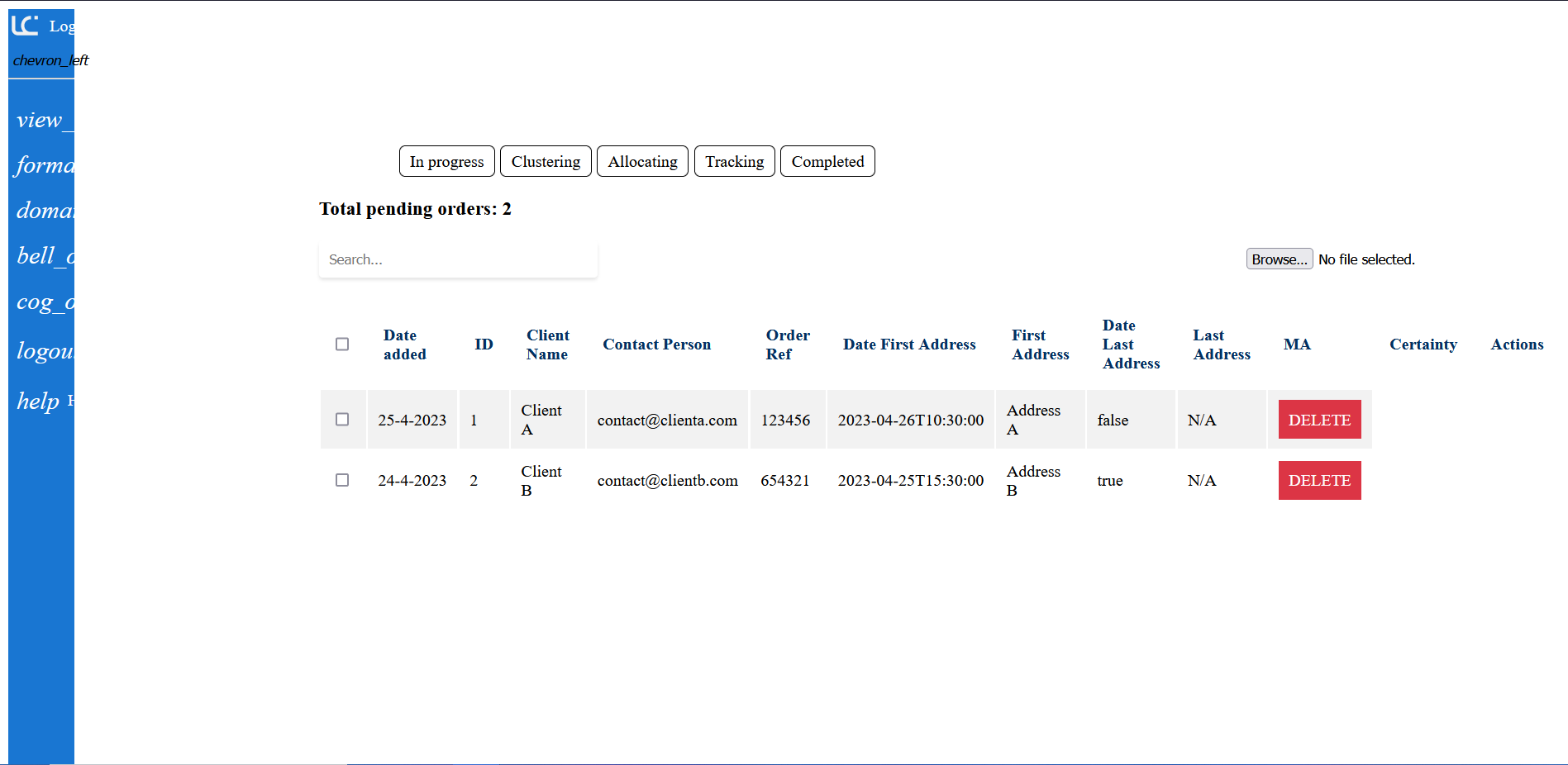
Sprint 2
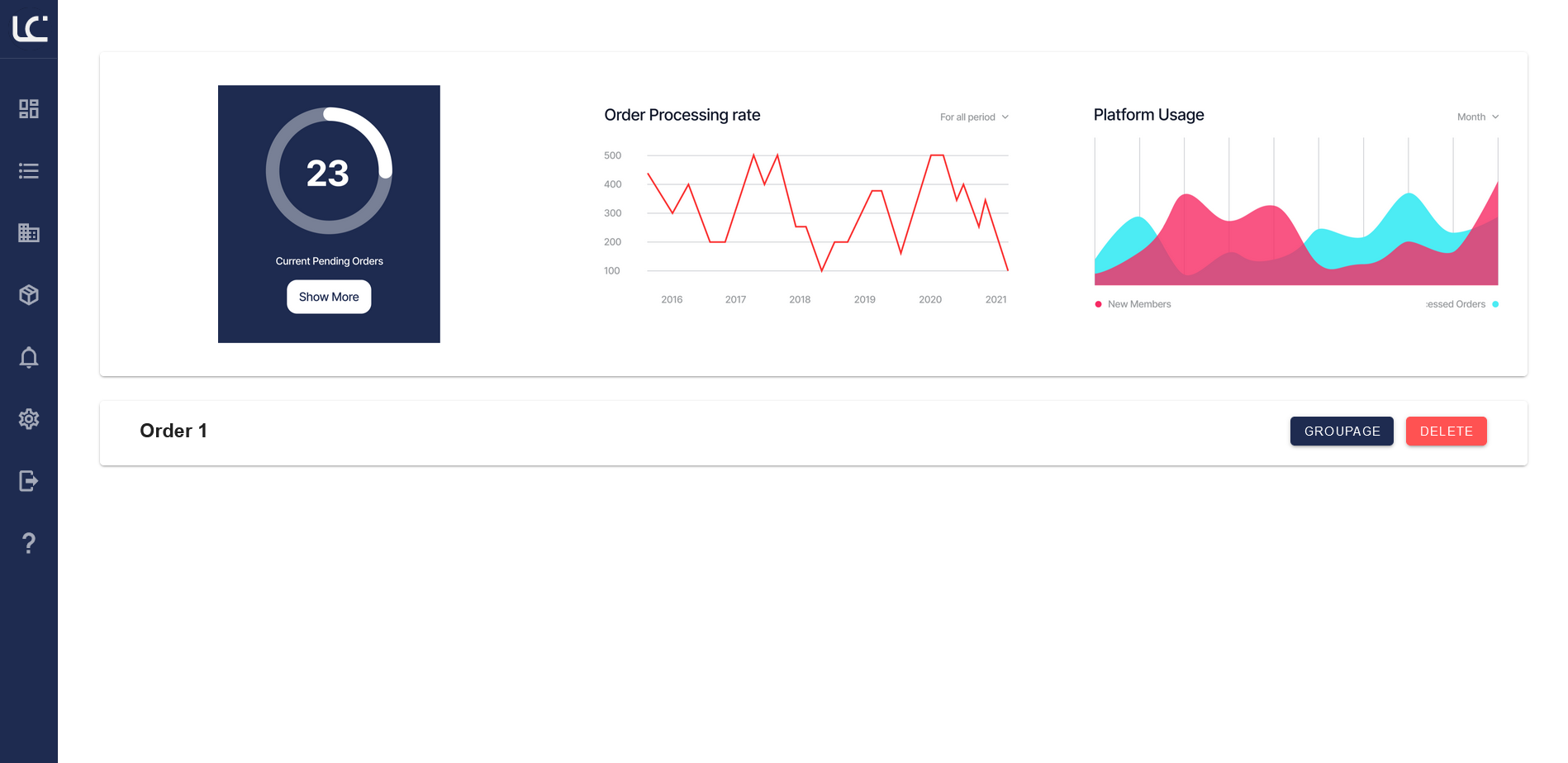
Sprint 3
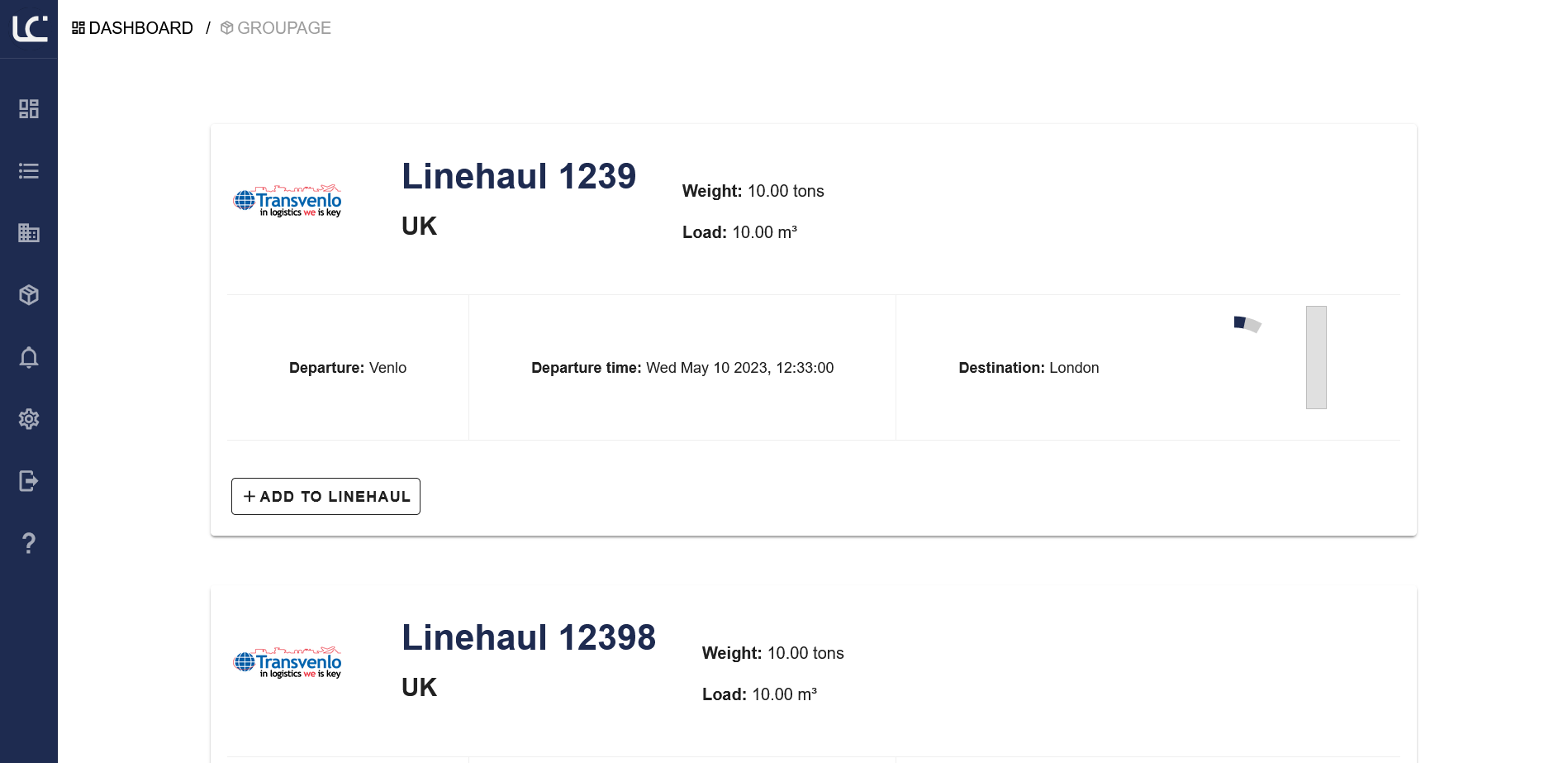
Sprint 4
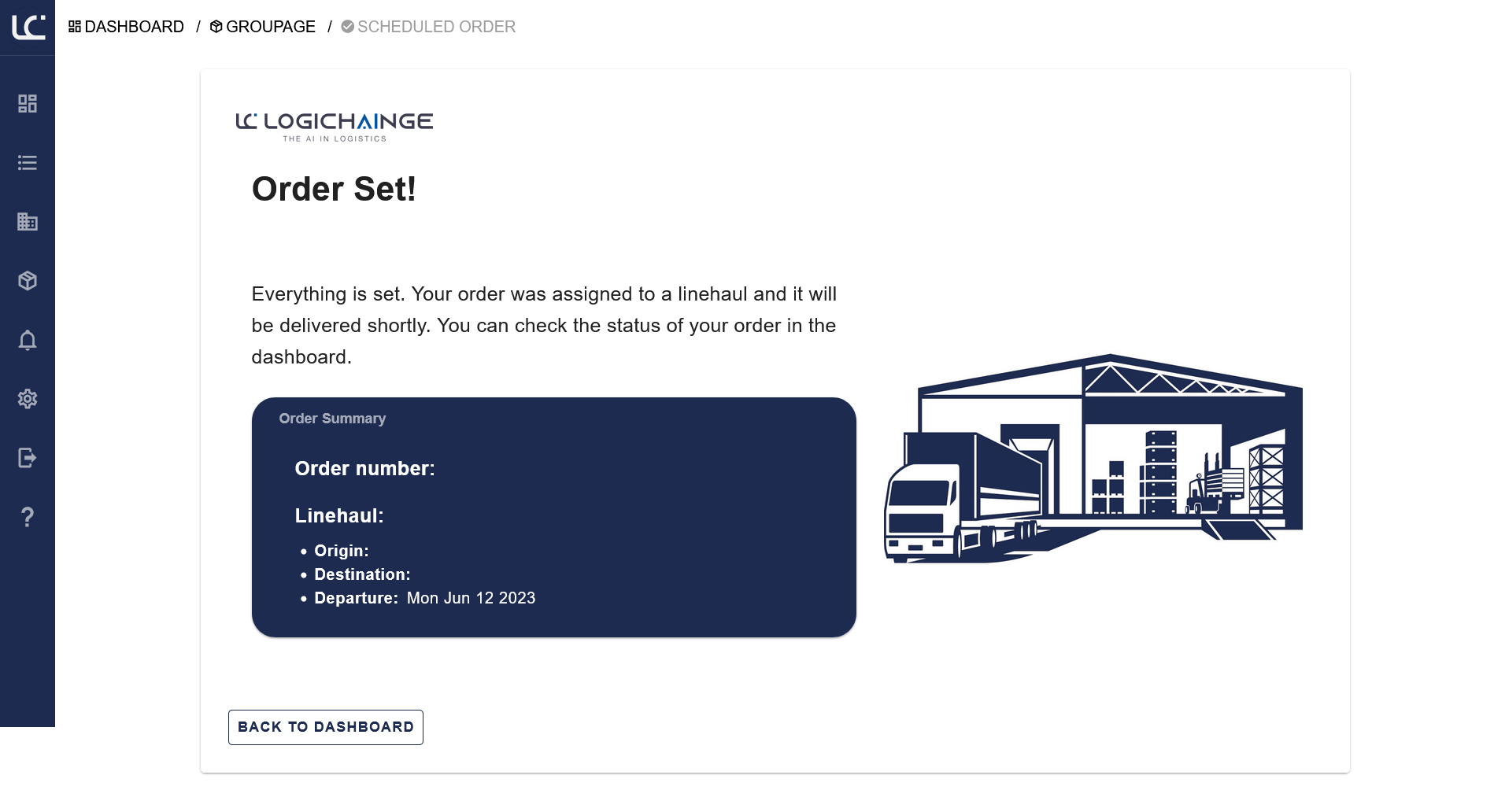
Sprint 5
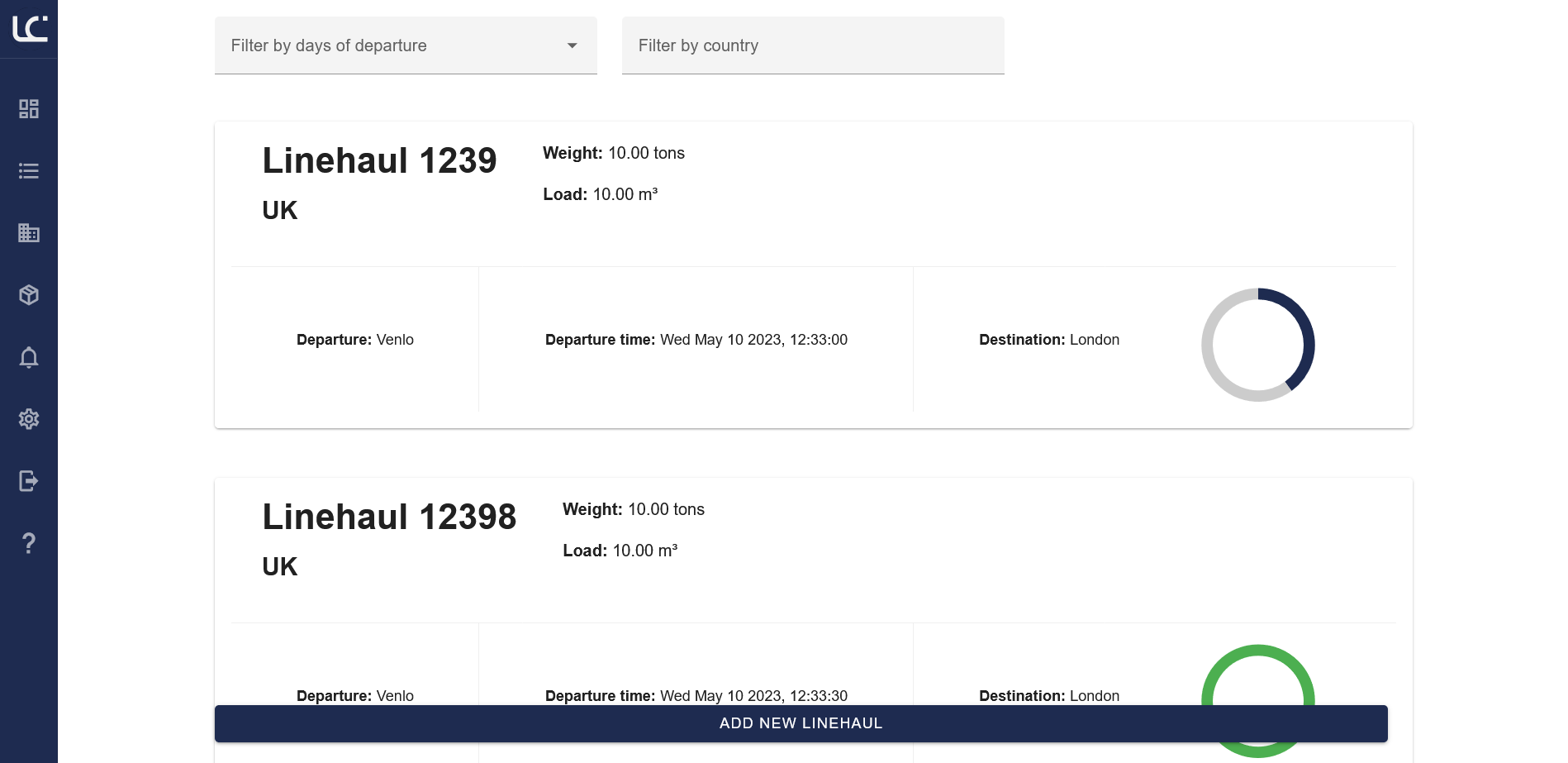
Sprint 6
Impact
Industry
Reducing manual labor empowers planners to add critical value rather than administrative burdens.
System
Automating tasks results in improved accuracy, reduced turnaround time, and enhanced efficiency.
Company
Positions Logichainge as an innovative, technology-driven logistics service provider.
Conclusion
Working on this project has been an insightful and increasing learning experience. It allowed me to evolve past a student mentality into professional growth that helped me deliver a product I am proud of.
Strengths
- Thorough Research using MoSCoW and User Interviews.
- Collaborative Agile UX Development methodology.
- Robust Tech Stack using Vue.js and Python/Django.
Personal Reflection
I met goals to improve JavaScript and Figma skills. While project management self-motivation remains a growth area, the productivity routine I implemented was a major success.